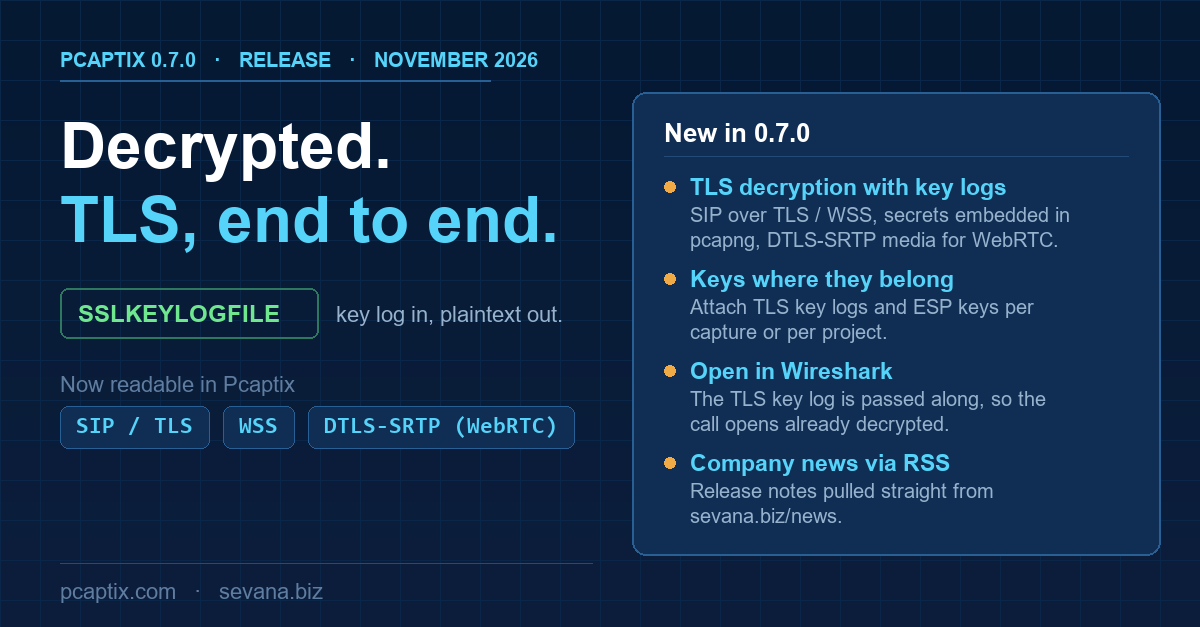
Pcaptix 0.7.0 is out. This release is about reading encrypted captures: given a TLS key log, Pcaptix for desktop now decrypts signalling and media that earlier versions could only see as ciphertext.
TLS decryption with key logs
Point Pcaptix at an SSLKEYLOGFILE and it decrypts the TLS-protected traffic in a capture: SIP over TLS and SIP over secure WebSocket (WSS), TLS secrets embedded directly in a pcapng file, and DTLS-SRTP media as used by WebRTC. The signalling and the audio it negotiates become readable in the same session, so an encrypted call can be analysed end to end instead of stopping at the handshake.
Keys attached where they belong
TLS key logs and ESP keys can be attached per capture or per project. A single capture carries the key that unlocks it, and a multi-file project keeps its keys together, so the secrets travel with the traffic they decrypt rather than living in a separate preference you have to re-point each time.
Open in Wireshark, already decrypted
When you right-click a call or stream to open it in Wireshark, the TLS key log is passed along. Wireshark opens the capture decrypted too, with no manual re-pointing of the key-log preference. Wireshark runs as a separate process and is not bundled.
Company news via RSS
The welcome screen pulls company news from the sevana.biz RSS feed (sevana.biz/news), so new releases and articles show up inside the application.
Download
- Windows: pcaptix-0.7.0-windows-x64-setup.exe
- Linux (AppImage): pcaptix-0.7.0-x86_64.AppImage