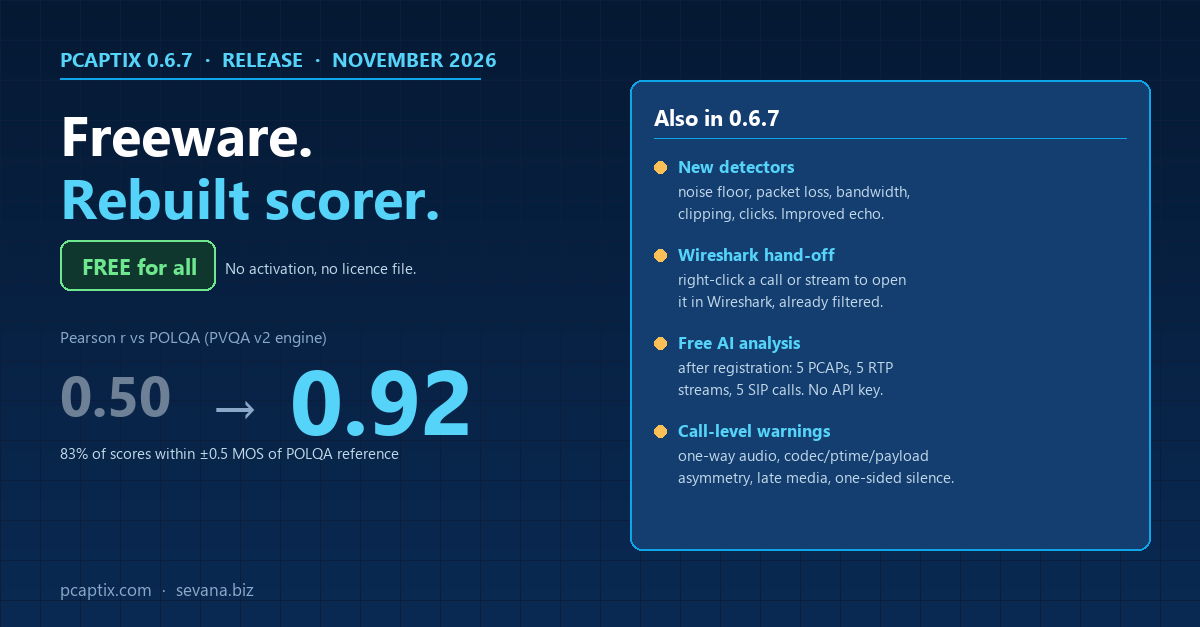
Pcaptix 0.6.7 is out. Two significant changes in this release of Pcaptix for desktop.
Freeware
The audio analysis licence is now built in. No activation step, no licence file. Download, install, run.
PVQA v2 engine
The PVQA perceptual MOS scorer has been rewritten. In validation against POLQA as reference, Pearson correlation rose from 0.50 to 0.92, and 83% of predicted scores now fall within ±0.5 MOS of the POLQA score. PVQA v2 scores differ from earlier Pcaptix versions. If you have tuned thresholds on the old engine, re-check them against the new numbers.
New impairment detectors
Noise floor, packet loss, bandwidth, clipping and clicks are detected directly. Echo detection was also improved.
Wireshark hand-off
Right-click any call or stream to open it in Wireshark pre-filtered to the SIP Call-ID plus the call’s RTP flows, or to the stream’s UDP 5-tuple. For multi-file projects the relevant packets are extracted into a temporary capture first. Wireshark runs as a separate process and is not bundled.
Free AI analysis after registration
Free registration (Help > Register) unlocks the built-in AI endpoint for 5 PCAP files, 5 RTP streams and 5 SIP calls. The built-in endpoint needs no API key: Sevana operates the gateway. If you point Pcaptix at your own OpenAI-compatible endpoint, there is no quota. A new “Reset to Pcaptix Defaults” button in Preferences > LLM / OpenAI restores the built-in settings in one step. Outdated AI settings from older versions are cleaned up automatically on upgrade.
Call warnings from the analysis engine
One-way audio, codec asymmetry, ptime asymmetry, payload asymmetry, duration asymmetry, late media and one-sided silence are now produced by the analysis engine itself, using the same rules as Sevana’s live monitoring (vq-core).
Other changes
- Audio quality analysis can be turned off (Preferences > Analysis). Network metrics, SIP, RTP decoding and playback still work with it off.
- Company news on the welcome screen is pulled from the sevana.biz RSS feed, cached for offline use, and toggleable in Preferences > Update.
- Fixes: impairment colours, custom analysis configuration path.
Download
- Windows: pcaptix-0.6.7-windows-x64-setup.exe
- Linux (AppImage): pcaptix-0.6.7-x86_64.AppImage